Description
Swim With Music Underwater
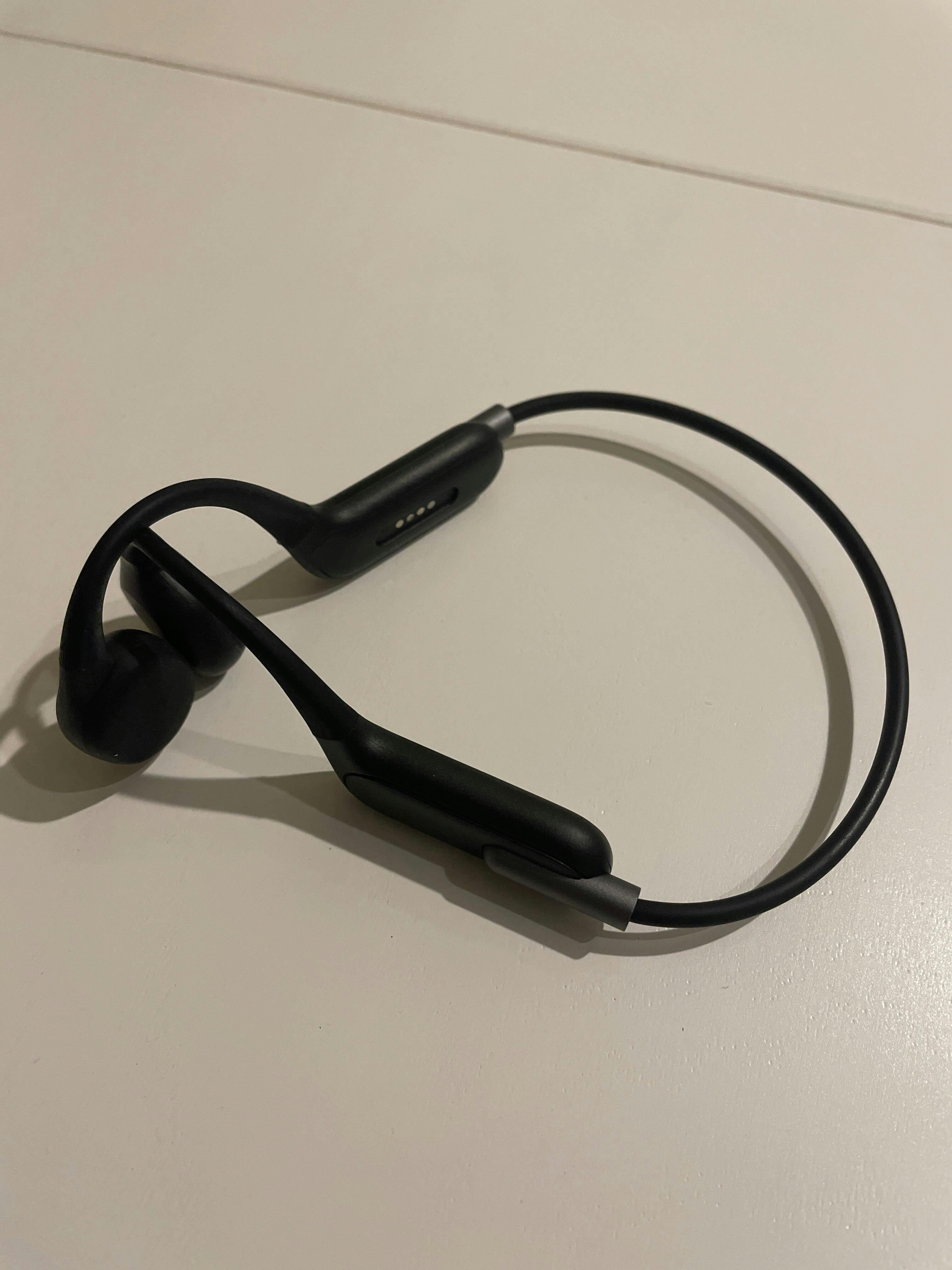
The Swimnerd Waterproof MP3 Player is built for swimmers who train better with music. Load your songs, put it on, dive in, and stay in the zone from warm-up to cool-down.
IPX8 Waterproof
Designed for swimming and safe underwater use up to 3 meters.
32GB Storage
Load up to approximately 3,000 songs directly onto the device using USB.
Bone Conduction Audio
Listen clearly without blocking your ears while you swim.
Bluetooth 5.4
Use wireless Bluetooth audio above water for dryland, deck, or casual listening.
Secure Wraparound Fit
Ergonomic design stays comfortable through laps, flip turns, IM training, and open water swims.
Up To 8 Hours
Train longer with up to 8 hours of playback on a single charge.
Built For Swimmers
Regular headphones do not work underwater. Bluetooth does not travel through water. The Swimnerd Waterproof MP3 Player solves that by letting you load music directly onto the device and play it in MP3 mode while you swim.
- Lap swimming
- Open water swimming
- Long aerobic sets
- Solo training sessions
- Warm-up and cool-down
- Swimmers who hate silence
Important Bluetooth Note
Bluetooth does not transmit through water. Use MP3 mode while swimming underwater. Bluetooth mode is for above-water listening only.
Product Specifications
What’s In The Box
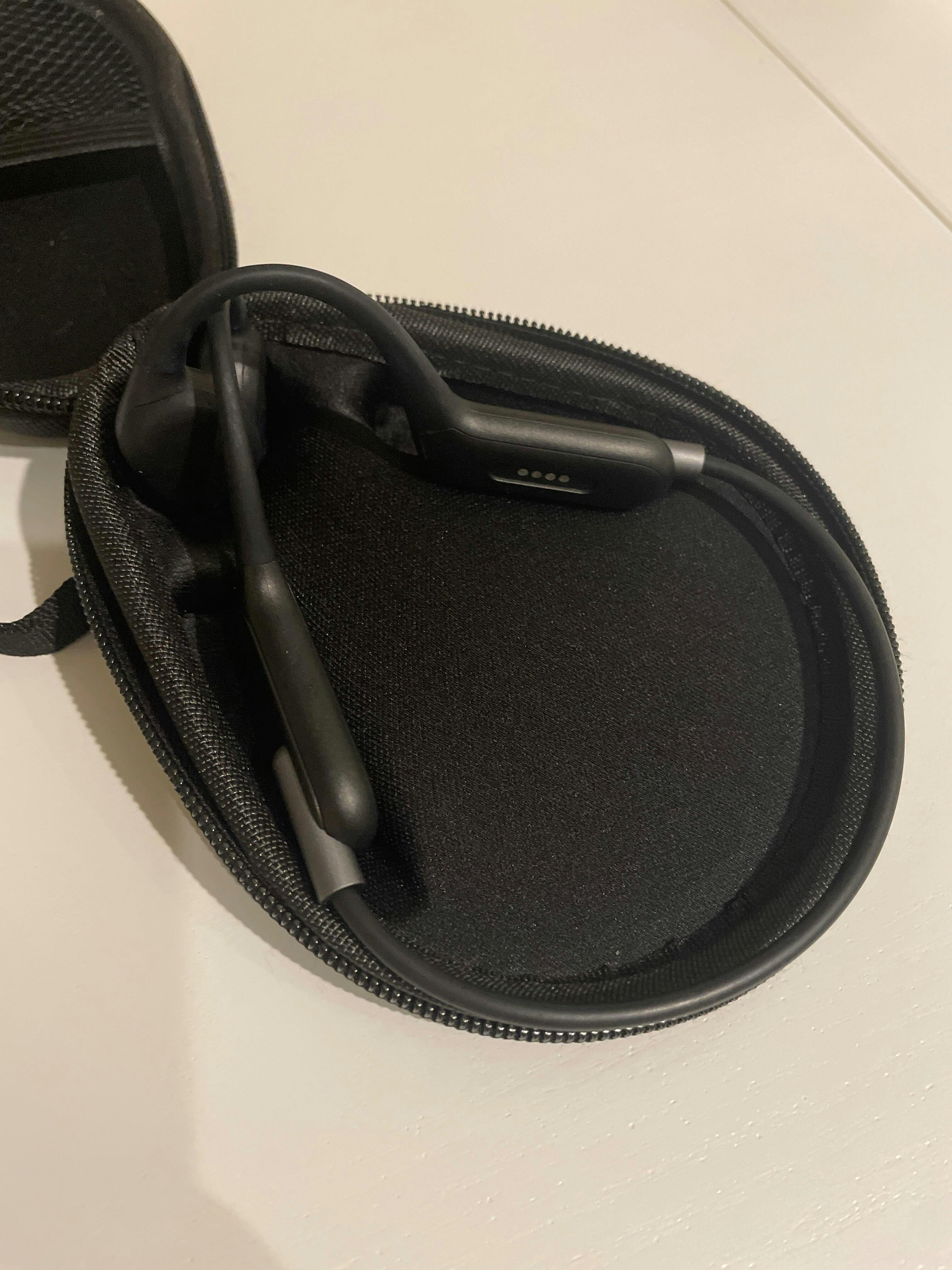
- Swimnerd Underwater MP3 Player
- Magnetic Charging Cable
- User Manual
How To Use It
Charge Your Device
- Use the included magnetic USB charging cable.
- Fully charge before first use. Charging takes about 2 hours.
- Red light means charging. Blue light means fully charged.
Add Music
- Connect the device to your computer using the charging cable.
- The device will appear as a USB drive.
- Drag MP3 or WAV files directly to the root folder.
- Safely eject before unplugging.
Bluetooth Mode
- Long press the Power button to turn it on.
- Double-click Play/Pause to enter Bluetooth pairing mode.
- Select “X6S” from your device’s Bluetooth menu.
Underwater MP3 Mode
- Turn the device on with a long press.
- Single press Play/Pause to start your playlist.
- Use Forward/Back buttons to skip tracks.
- Adjust volume with long presses on Forward (+) or Back (-).
Switching Modes & Care
Switch Between Modes
- Double-click Play/Pause to toggle between MP3 mode and Bluetooth mode.
- Voice prompts will confirm the mode switch.
Care Instructions
- Rinse with fresh water after each swim.
- Dry completely before charging.
- Store in a cool, dry place.
- For best fit, wear with a swim cap over your ears.
Make Long Swims Less Boring
Load your favorite music, jump in, and turn every swim into a better training session with the Swimnerd Waterproof MP3 Player.